01
Selection-based generation
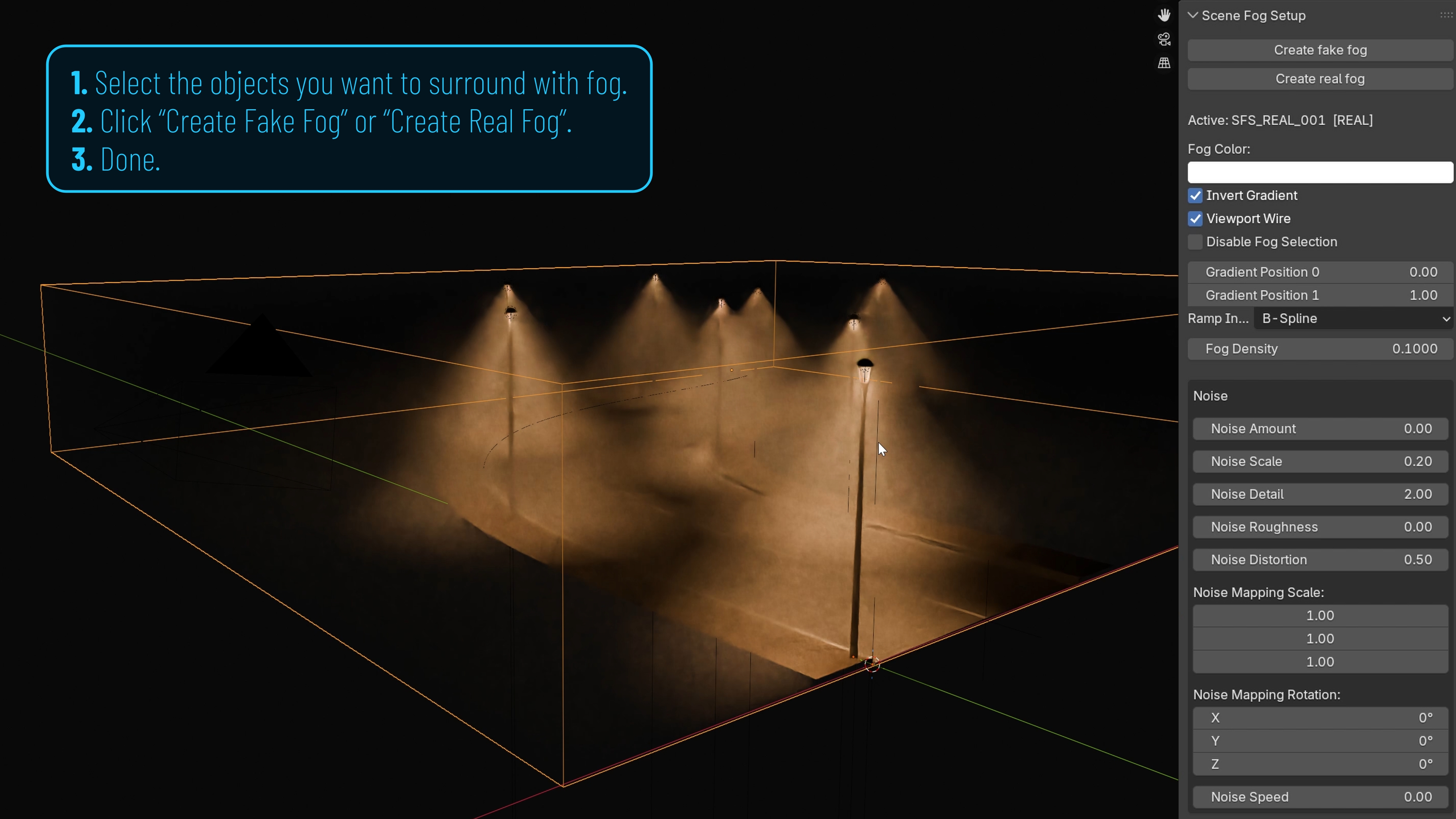
Pick one or more objects in the scene and the add-on builds a fog volume with dimensions inherited from those objects. No manual block-out or volume placement needed.
Add-on · Scene Fog Setup · Free
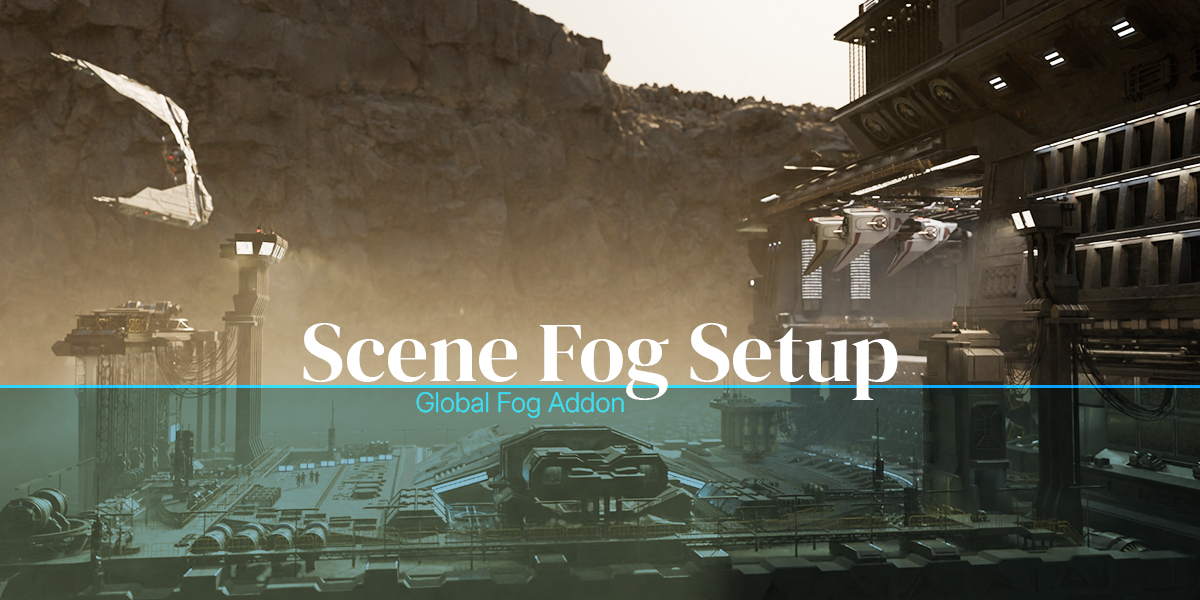
Scene Fog Setup creates usable fake fog or real fog in Blender from the objects already present in your scene. A small, friendly tool — shared freely as a useful resource for the community.

↑ Watch the tutorial
What it is
Pick one or more objects in your scene and let Scene Fog Setup build a fog volume around them — automatically taking their dimensions into account. No manual block-out, no measuring, no extra setup work. You get a usable atmosphere on the first try, and refine from there.
What it does
No complex node setups. Pick the objects that should sit inside the fog and the add-on builds a fitted volume around them — wired, textured and ready to refine.
01
Pick one or more objects in the scene and the add-on builds a fog volume with dimensions inherited from those objects. No manual block-out or volume placement needed.
02
A faster, more stylized and lighter setup. Useful when you want atmosphere quickly, or when render time matters and the realism of true volumetric density isn't required.
03
A more physically-based result with proper volumetric density and natural light interaction. Pick this when shadowing through the volume or realism is part of the storytelling.
04
A handful of friendly controls to set base color, vertical gradient and overall density. Get a usable atmosphere on the first pass, then fine-tune from the same panel.
05
Add procedural noise in one click for immediate atmospheric variation. Adjust scale and intensity from the same panel, no shader-editor detour required.
06
Free on Gumroad. $1 on Superhive if you'd like to support the studio. Either way you get the same add-on, the same updates, and the same future improvements.
In scenes
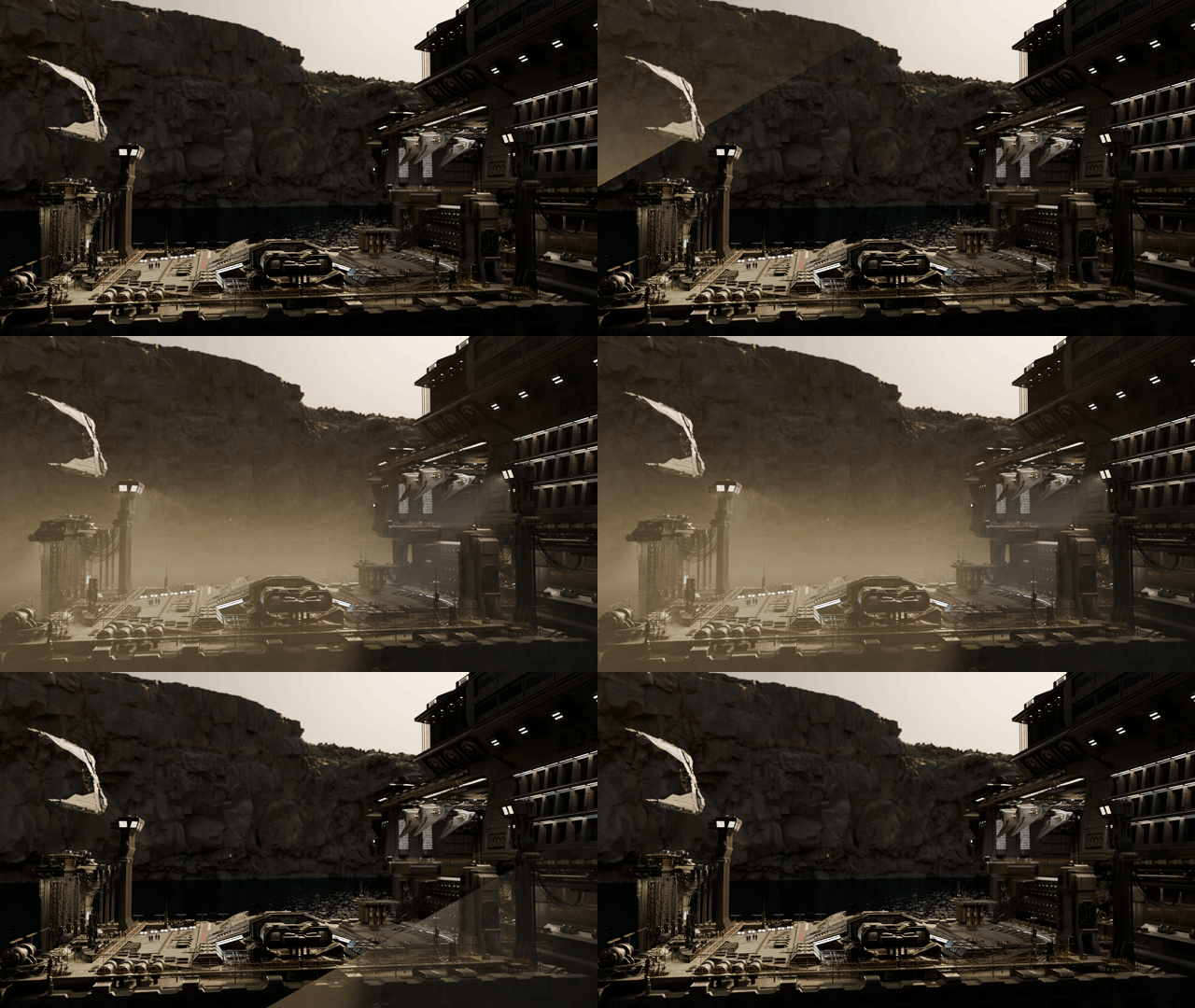
Stills from real Blender scenes — junk shop, road, platforms — after one selection-based fog volume.