01
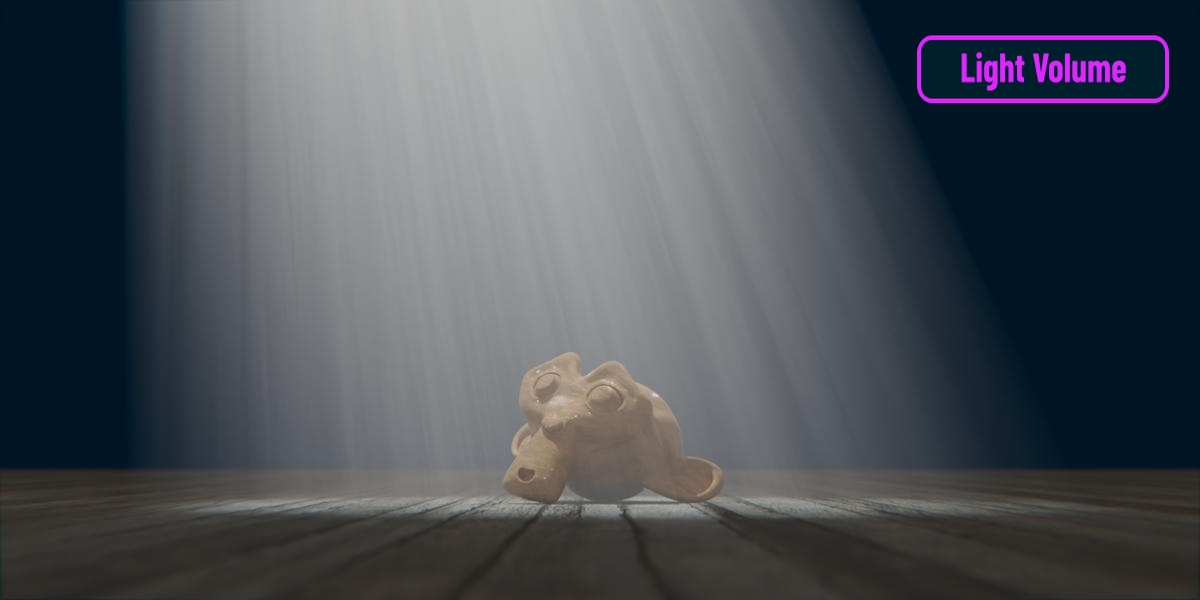
Light Volume
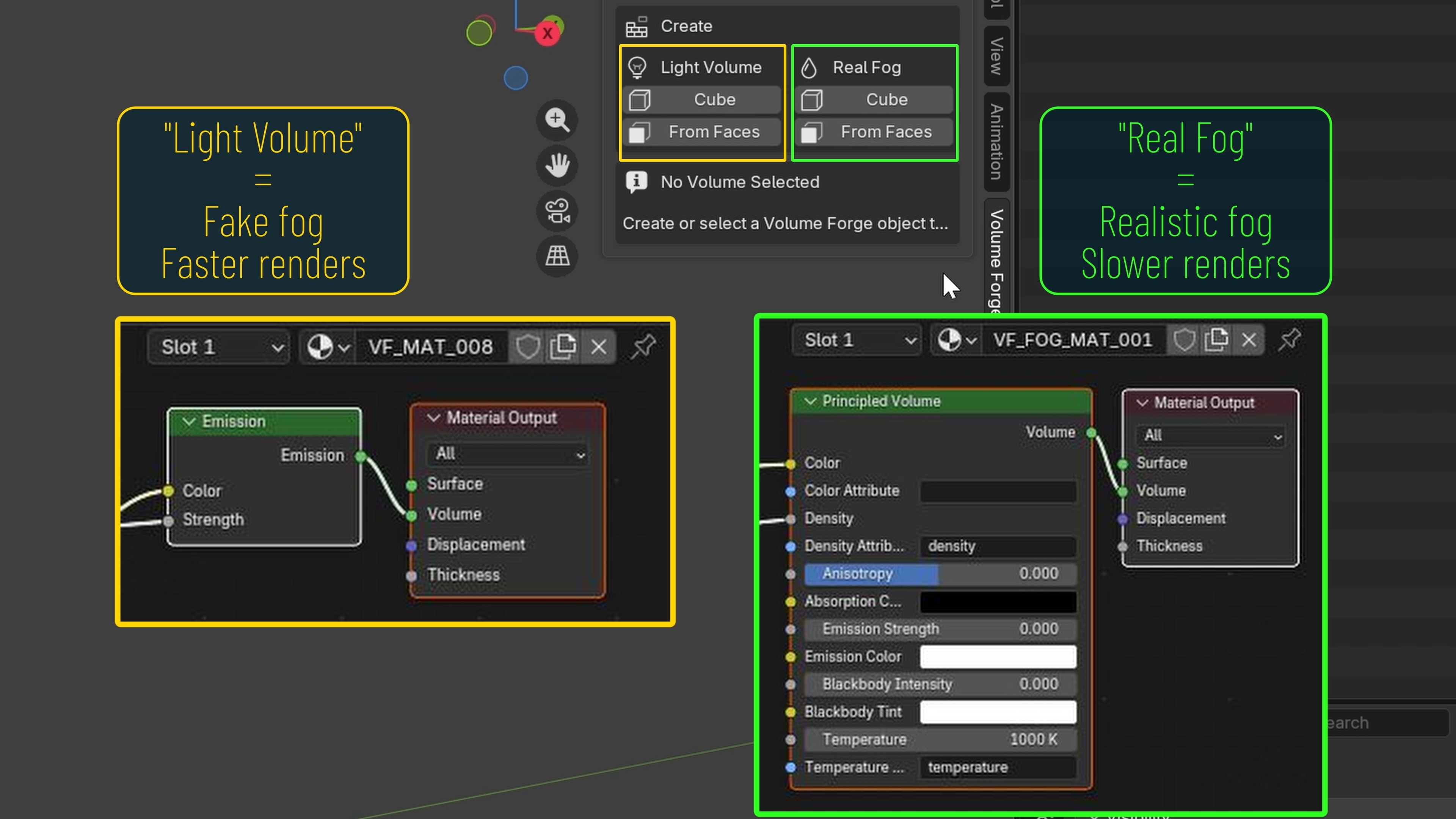
An emissive "fake fog" approach driving an Emission shader through the Volume output. Usually faster to render and easier to push toward stylized light shafts, beams and graphic atmospheric effects.
Add-on · Volume Forge
If the atmosphere only really shows up where the light hits, why fill the whole scene with fog? Volume Forge is a Blender add-on built to help you place beams, haze, fog and stylized volumetric accents exactly where the frame wants them.
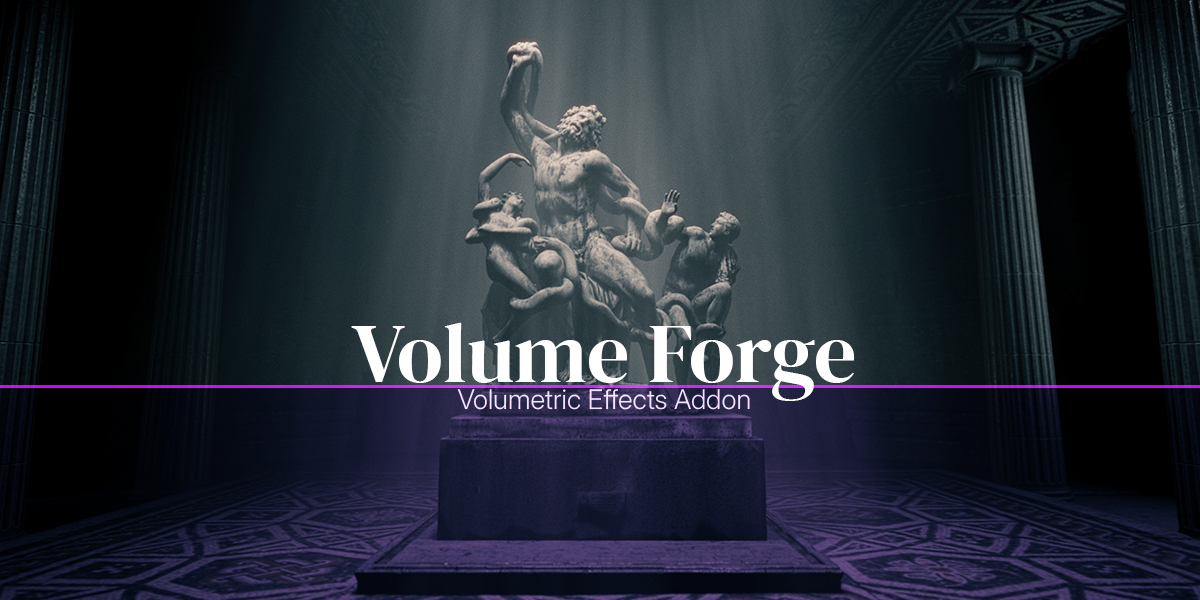

↑ Watch the 60-second teaser
Why it exists
Volume Forge lets you build localized atmosphere — a beam through a window, a pocket of haze, a stylized accent — without filling the entire environment with physical fog and fighting your way back to the look you want. The result stays focused, directable, reusable, and often renders much faster than scene-wide volumetrics.
What's inside
01
An emissive "fake fog" approach driving an Emission shader through the Volume output. Usually faster to render and easier to push toward stylized light shafts, beams and graphic atmospheric effects.
02
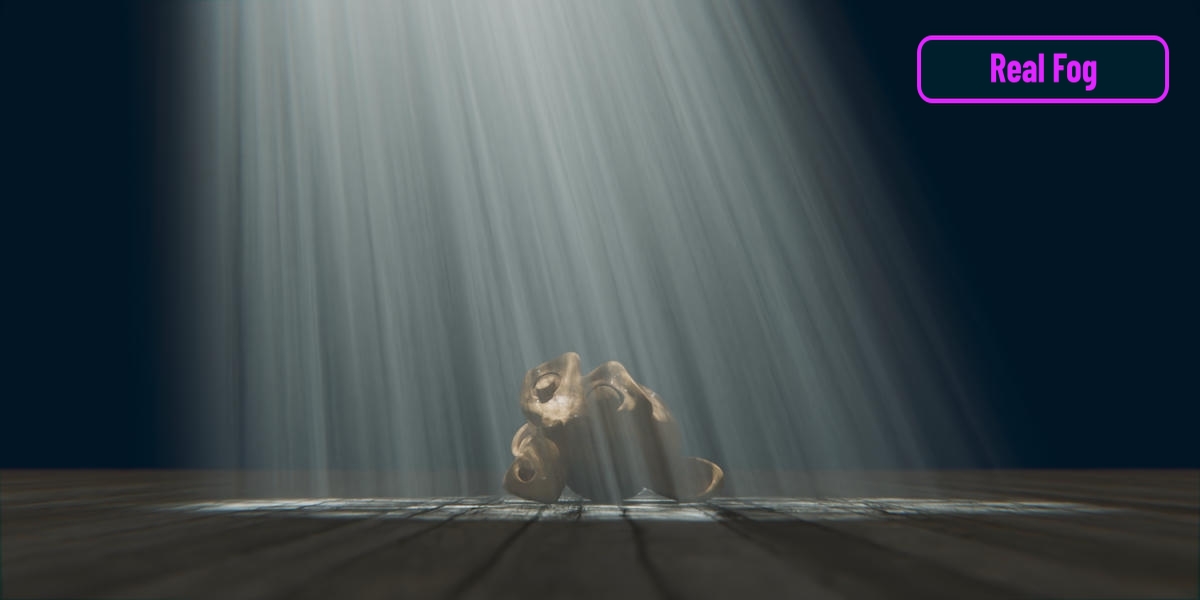
A true volumetric fog setup with proper interaction between density, lights and shadows. Use it when realism, shadowing through the volume, or natural light response matter to the image.
03
The fast, flexible way to drop a volume into the scene and shape it freely. Created at the 3D cursor, scaled and positioned exactly where the shot needs it.
04
Build the volume between two real quad faces in the scene — ideal for a light traveling from a window to a floor, or any precise volumetric path that follows actual geometry.
05
Fade, breakup, color, masking, shadow response, overall volume shape — all from a single panel in the 3D View sidebar. Move from a clean beam to something softer, dirtier or more atmospheric without leaving the viewport.
06
Save a Volume Forge setup as a preset and apply it later to another Volume Forge object. Presets store parameter values, which keeps them focused on reusing looks quickly and cleanly across volumes and projects.
07
Duplicate Volume Forge volumes with independent materials and independent Noise Animation behavior — each copy stays fully editable on its own, with no shared-data surprises down the line.
08
File → Append your Volume Forge setups into any new .blend file. The recommended clean workflow for bringing volumes from another project, with Validate / Repair Selected Volume available when needed.
09
More improvements are already planned for future versions of Volume Forge, and they remain free for everyone who has purchased the add-on. One purchase, lifetime upgrades.
Real shots, real volumes
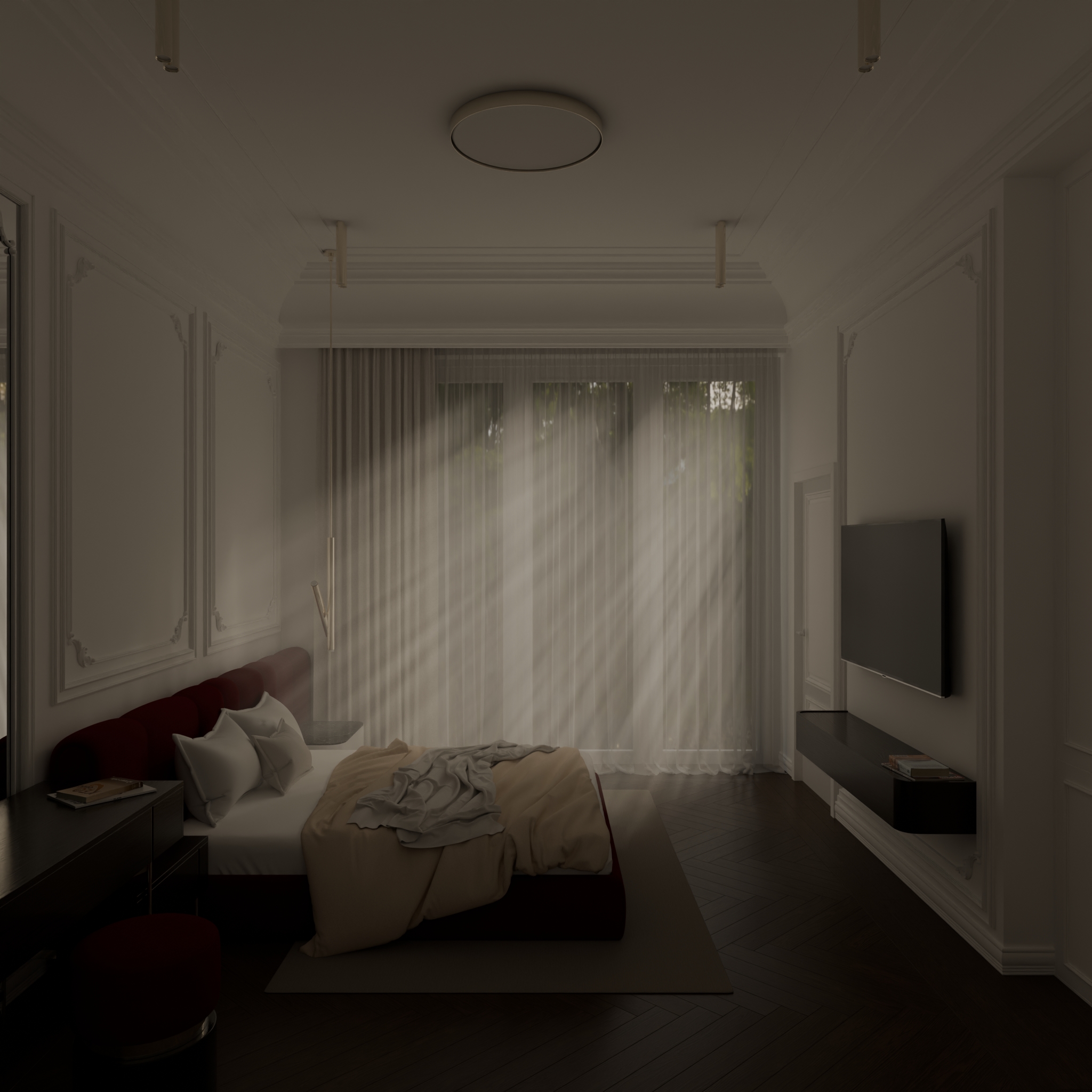
Volume Forge at work in real Blender scenes — beams, haze, god rays and localized fog. Click any clip or still to open it full size.
Learn it in minutes
See exactly how Volume Forge works in Blender — from creating your first volume to shaping, animating and reusing the look across a scene.
↑ Full Volume Forge tutorial